AucT CustomKeys Generator
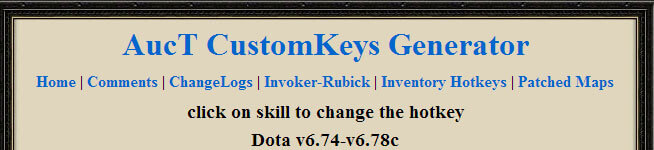
AucT CustomKeys Generator is a simple online tool for generating custom keys.
Guide
- Go to https://dotacustomkeys.auct.eu/
- Select your preferred keys.
- Click Generate and save the file to your WarCraft III root folder.
- Open WarCraft III → Options → Gameplay → Enable “Custom Keyboard Shortcuts”.
Note: Remember to update your file whenever a new version of DotA is released.
To disable custom keys, simply deactivate the “Custom Keyboard Shortcuts” option in WarCraft III.
View AucT CustomKeys Generator